
|4.535Mins Read
Discord Timestamp Generator: Formats, Examples, and Time Zones
- Authors

- Name
- Geeks Kai
- @KaiGeeks
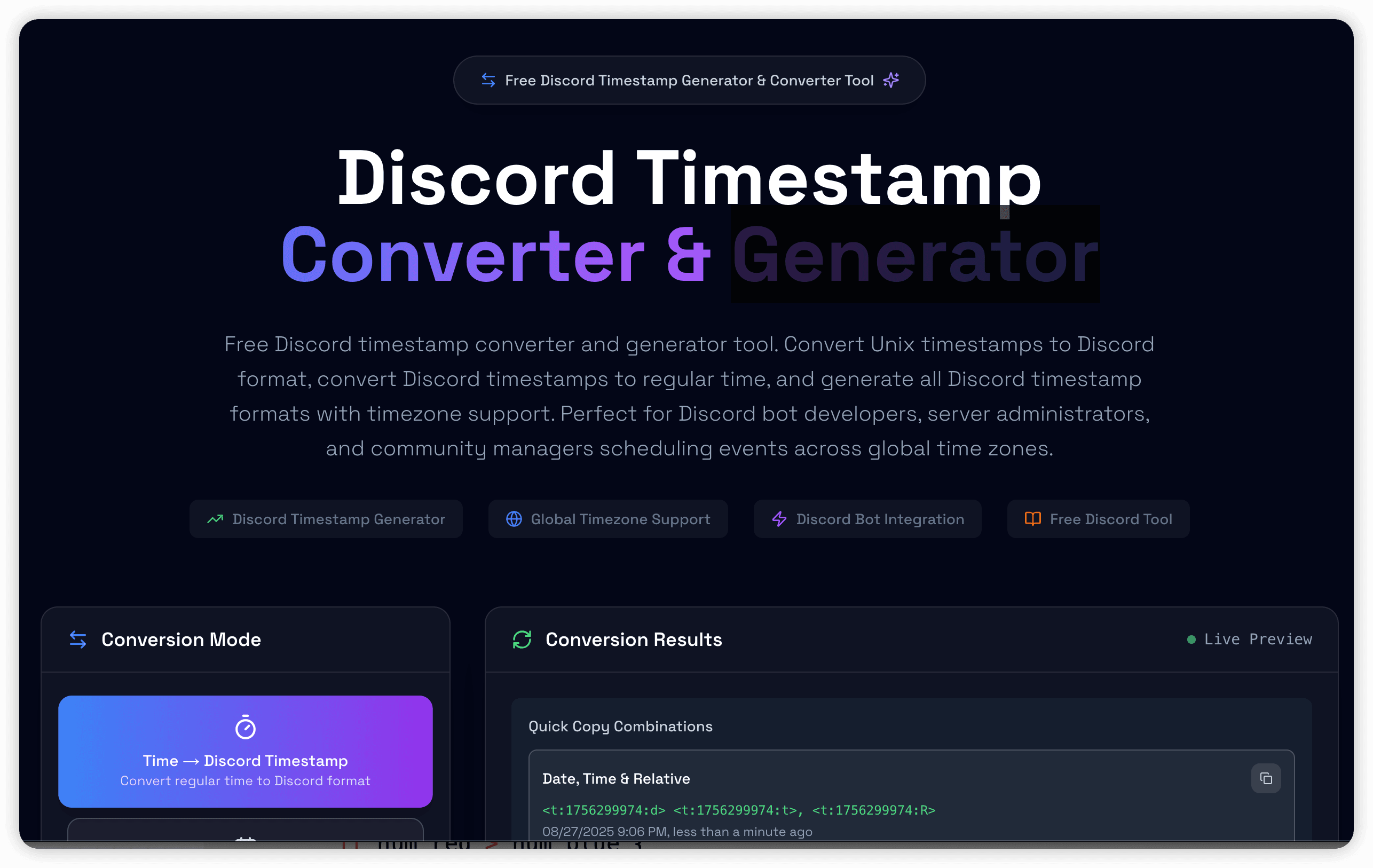
A Discord timestamp is a Unix timestamp wrapped in Discord's native syntax:
<t:UNIX_SECONDS:FORMAT>
Paste that code into a Discord message and Discord renders the same moment in each viewer's local time zone. You do not need to calculate a separate time for every member.
Use the Discord Timestamp Generator when you are creating a new event time or countdown. Use the Discord Time Zone Converter and Timestamp Decoder when you need to convert from a named time zone or understand an existing Discord code.
The Unix timestamp 1735689600 represents one exact moment. These two codes use that same moment but ask Discord to display it differently:
<t:1735689600:F>
<t:1735689600:R>
:F displays a full date and time.:R displays a relative value such as “in 2 hours” or “3 days ago.”The visible wording varies by the viewer's locale, time zone, and the time at which they read the message.
| Code | Format | Useful for |
|---|---|---|
:t | Short time | Compact schedules where the date is already clear |
:T | Long time | Times that need seconds |
:d | Short date | Compact date references |
:D | Long date | A readable date without a time |
:f | Short date and time | General event announcements |
:F | Long date and time | Formal announcements that benefit from the weekday |
:R | Relative time | Countdowns, deadlines, and recent events |
If you omit the format suffix, Discord uses its default date-and-time presentation.
For an event announcement, a useful pair is a full timestamp plus a relative countdown:
Starts: <t:1735689600:F> (<t:1735689600:R>)
Both codes represent the same instant. The first gives calendar context; the second communicates how soon it starts.
Open the Discord Time Zone Converter when your task begins with a time zone rather than a countdown.
The converter supports two distinct jobs:
<t:1735689600:F> and inspect the readable time and alternative display formats.This distinction matters. The generator is optimized for creating an event timestamp from the current device's local time. The converter is optimized for named-zone conversion and reverse decoding.
Discord timestamp syntax uses Unix time in seconds. JavaScript's Date.now() returns milliseconds, so divide it by 1,000 and remove the decimal portion:
const unixSeconds = Math.floor(Date.now() / 1000)
const discordTimestamp = `<t:${unixSeconds}:F>`
A 13-digit value is usually milliseconds. A current Unix value in seconds is normally 10 digits. Passing milliseconds directly produces a date far in the future.
Unix time identifies an instant independently of a named time zone. The conversion into a local clock time happens when Discord renders the code.
Before announcing an important event:
The tools run in the browser and do not require registration for the core result. Geekskai does not need the date, time zone, or generated code in analytics; measurement is limited to tool lifecycle actions such as a successful copy.
Discord expects seconds. Convert 1735689600000 to 1735689600 before building the code.
Text such as “8 PM EST” does not adapt for every viewer and may be wrong during daylight-saving changes. Use one Discord timestamp for the exact instant instead.
When combining :F and :R, reuse the same Unix value. Otherwise the calendar time and countdown will disagree.
A browser preview is an approximation. Discord controls the final locale-specific rendering, so verify the pasted code in Discord before an important announcement.
| Starting point | Use |
|---|---|
| “The event starts tomorrow at 6 PM on my device” | Timestamp Generator |
| “The event is 9 AM in Europe/London” | Time Zone Converter |
“What does this <t:...> code mean?” | Timestamp Decoder |
| “I need a relative countdown” | Timestamp Generator |
Geekskai generates the documented <t:UNIX_SECONDS:FORMAT> strings locally in the browser. Examples in this guide can be checked independently with any Unix-time converter and by pasting them into Discord.
The tools do not schedule messages, install a bot, publish an event, or verify how a future Discord client will render a code. Discord may change its interface independently of Geekskai, so the final pasted result remains the authoritative check.