
|5.56Mins Read
GeeksKai Blog - Developer's Nextjs Blog Template
- Authors

- Name
- Geeks Kai
- @KaiGeeks
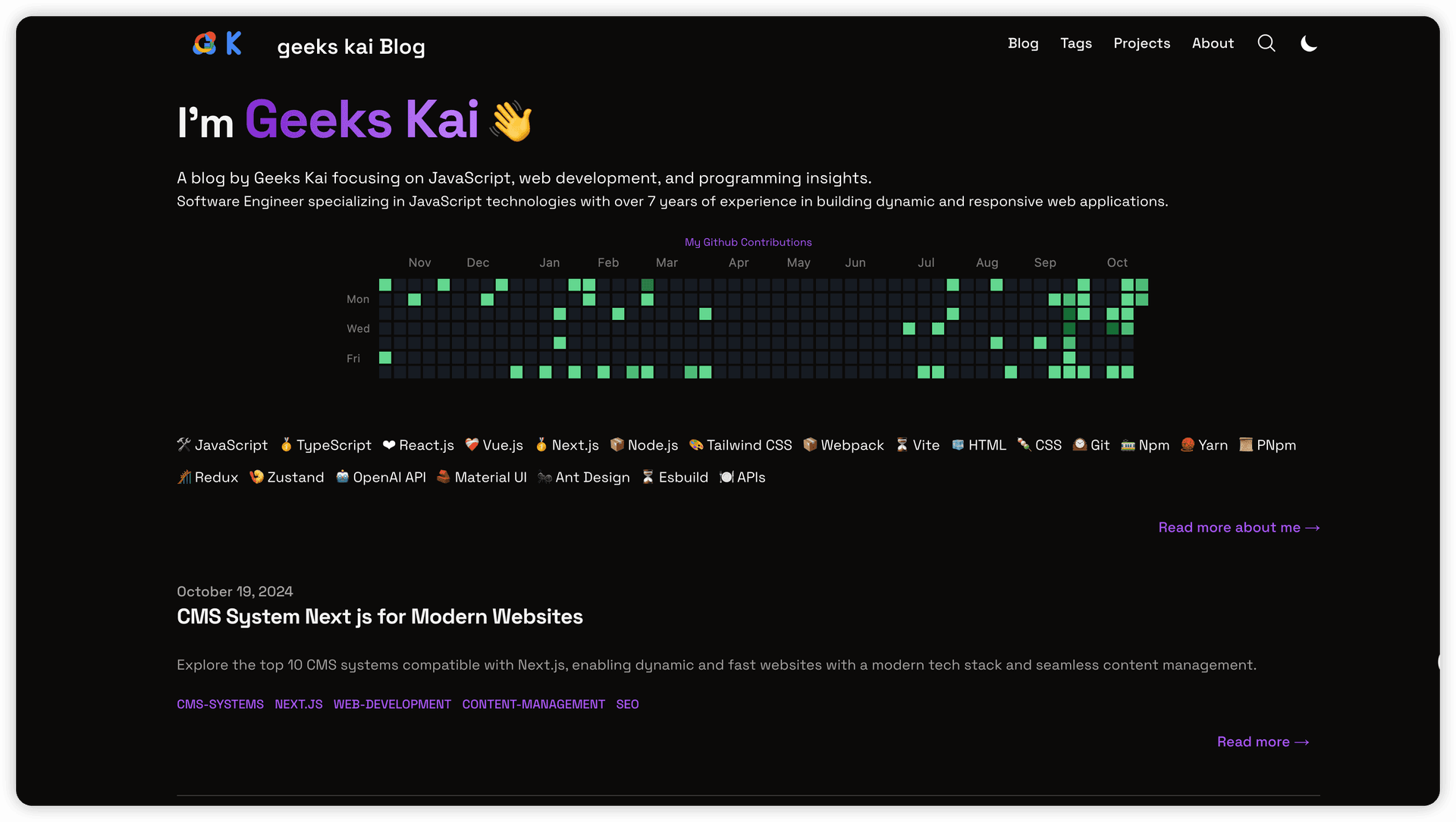
Welcome to geekskai blog 🌐, hosted on GitHub at geekskai/blog!
This project is built using the robust combination of Next.js ⚛️ and Tailwind CSS 🎨, creating a platform that is:
Here, I share insights on web development 💻, coding practices 💡, and more.
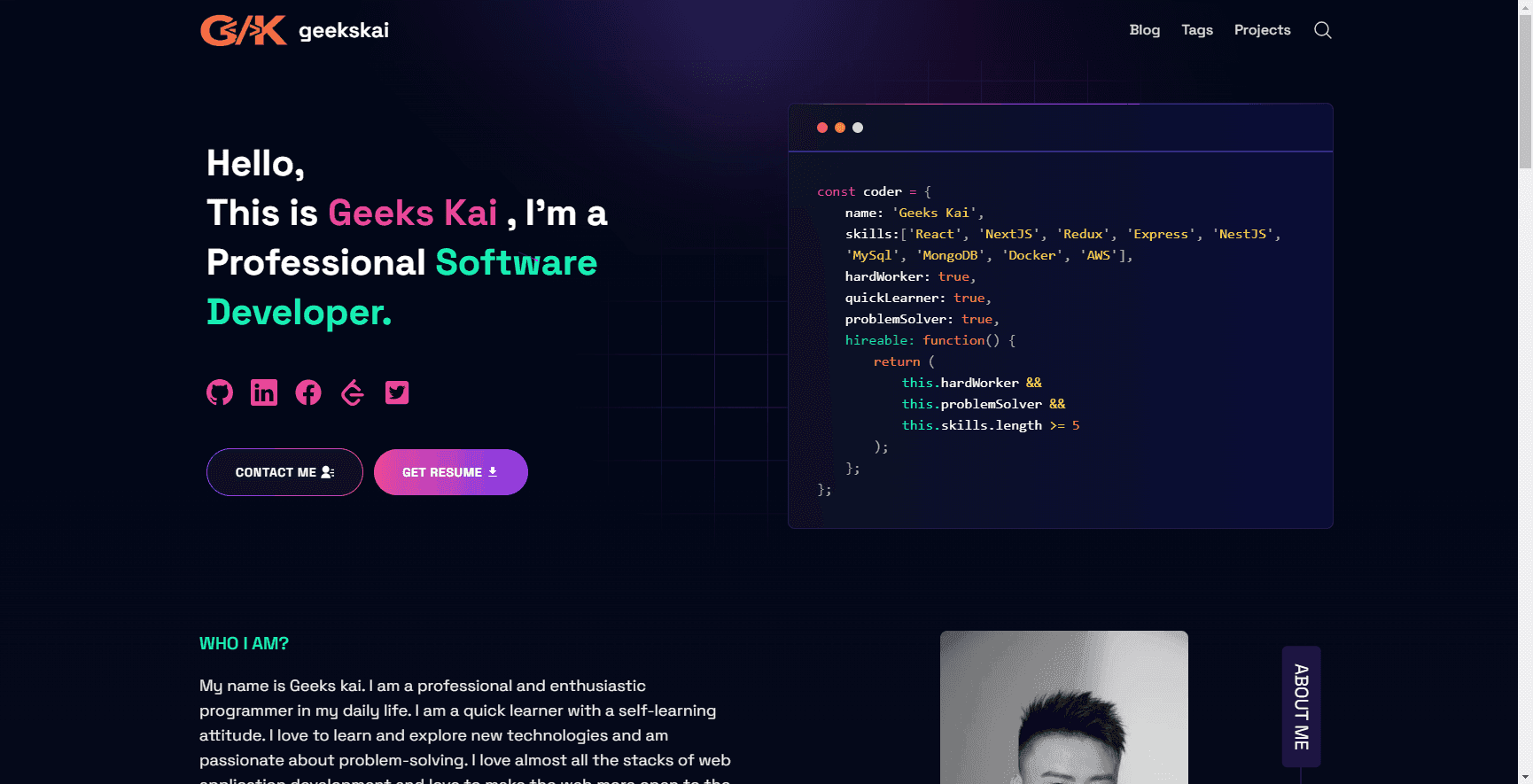
In this post, I’ll guide you through the core features 🧩, benefits 📈, and customizability options 🎛️ that make this blog a solid choice for:
This blog leverages the power of Next.js, Tailwind CSS, and Contentlayer for a seamless and high-performance blogging experience. This combination brings a lot to the table, such as easy content management via Markdown, efficient styling using Tailwind CSS, and server-side rendering (SSR) with Next.js for speed and SEO benefits.
The blog also includes advanced customization options and excellent support for interactive components, making it both flexible and future-proof.
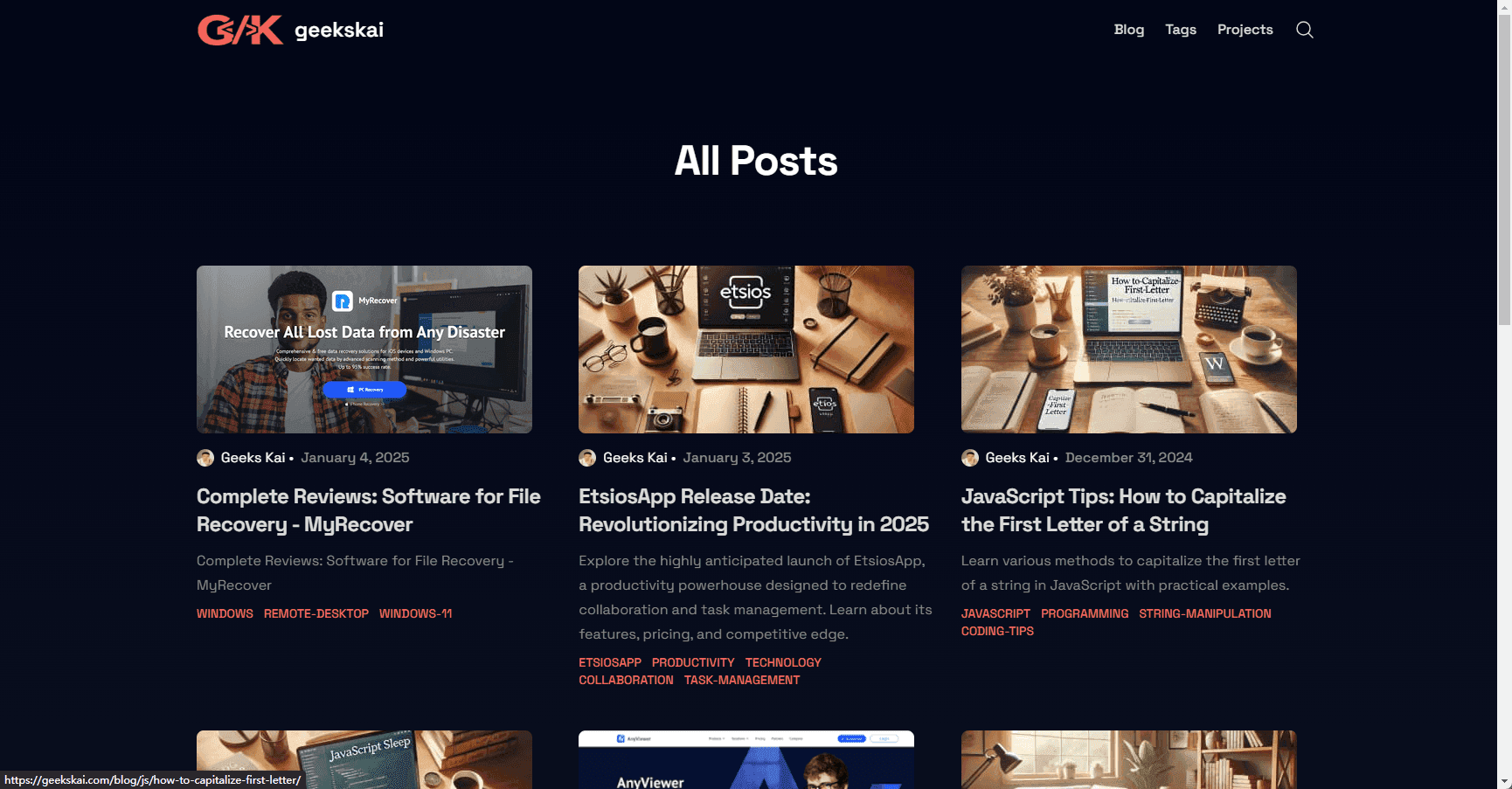

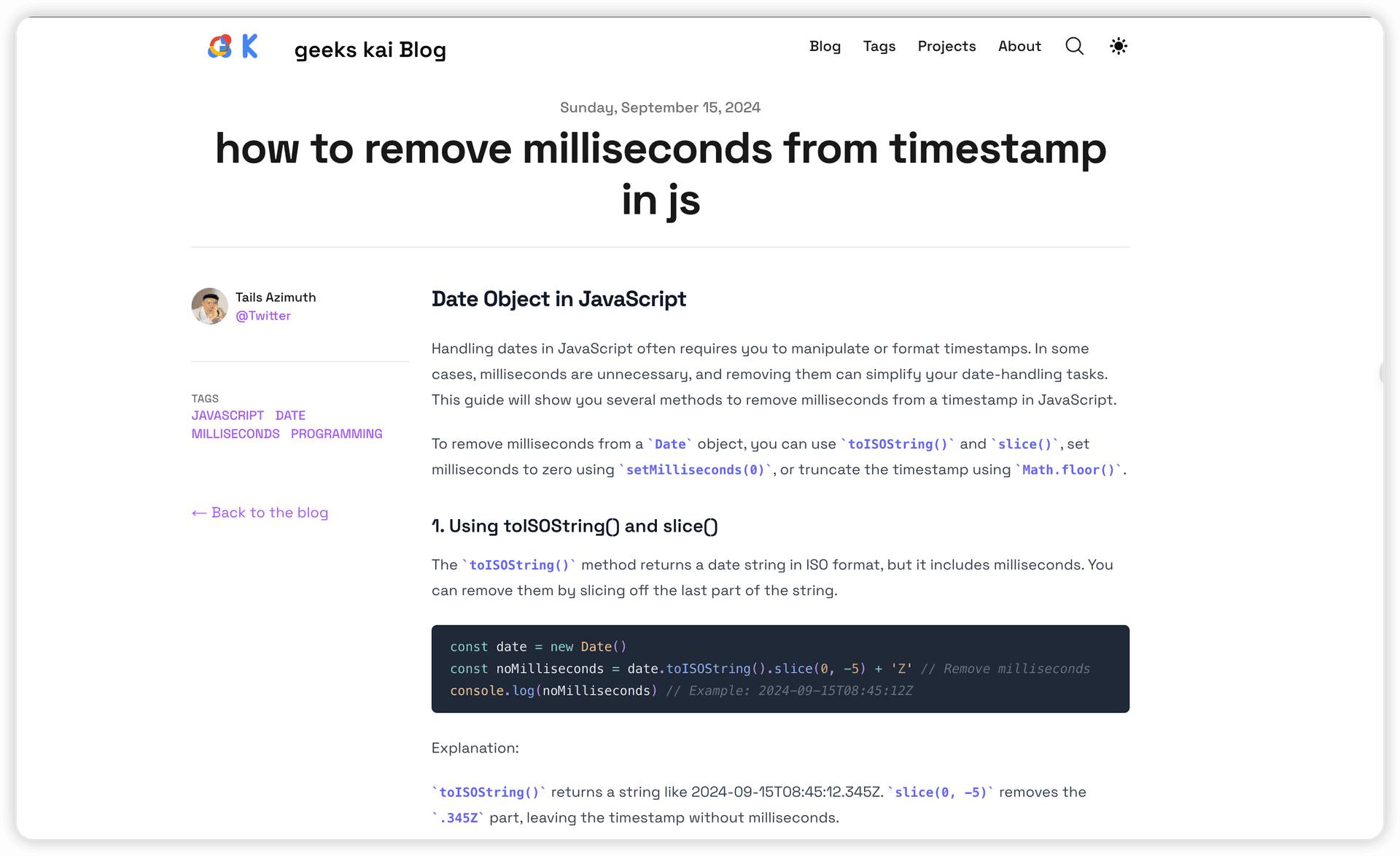
Setting up this blog is straightforward and can be done in a few steps. If you want to try it out, clone the repository and start the development server:
npx degit 'geekskai/blog'
yarn
yarn dev
After running these commands, navigate to http://localhost:3000 to see the blog in action on your local environment.
This blog is highly customizable, allowing you to tailor it to your needs. Here are a few ways you can make it your own:
data/siteMetadata.js to personalize information like the blog title, description, and social links.data/headerNavLinks.ts to control the links shown in the header.tailwind.config.js and the accompanying CSS files in the css directory.For deeper customization, check out the documentation included in the GitHub repository.
This blog can be easily deployed on platforms like Vercel, GitHub Pages, Netlify, and more. Vercel offers the quickest setup, especially for Next.js projects, and optimizes the platform’s SSR features.
Deploying on Vercel: You can deploy this blog on Vercel directly with one click, following the instructions in the README. Vercel optimizes Next.js features like image optimization and server-side rendering.
Static Hosting: With Next.js’ export functionality, you can also host the blog on platforms like GitHub Pages or AWS S3. This may require some additional configuration, especially if you want to use next/image optimization with an external provider.
Netlify and Other Hosting Providers: This blog also works well with Netlify, which provides a Next.js runtime to handle SSR and other Next.js features. This flexibility allows you to deploy on your preferred platform without compromising on performance.
Deploying on Cloudflare: Cloudflare Pages is another great option for hosting this blog. It offers a free tier with generous resources and integrates well with GitHub repositories for seamless deployment.
This blog template is designed with performance, customization, and reader engagement in mind. The project’s core features, like server-side syntax highlighting, customizable theming, and responsive layouts, make it a versatile and powerful choice for blogging. Here’s why it stands out from other templates:
I am continuously looking to improve this blog and add new features. The project is open source and welcomes contributions or feature suggestions from anyone interested in making this template even better. If you have ideas, feel free to start a discussion or submit a pull request on the GitHub repository
My Tailwind Next.js blog is a reflection of my passion for web development and a platform for sharing insights with the developer community. By leveraging modern web technologies, the blog achieves a perfect balance of performance, readability, and user engagement. Whether you’re interested in learning from the posts or experimenting with the template for your own blog, I hope this project serves as an inspiration and valuable resource.
Fork the blog here to explore more, or check out the GitHub repository if you’d like to get involved or start using the template for your own projects.