
26 Best Free Developer Tools to Boost Productivity (2026)
- Authors

- Name
- Geeks Kai
- @KaiGeeks
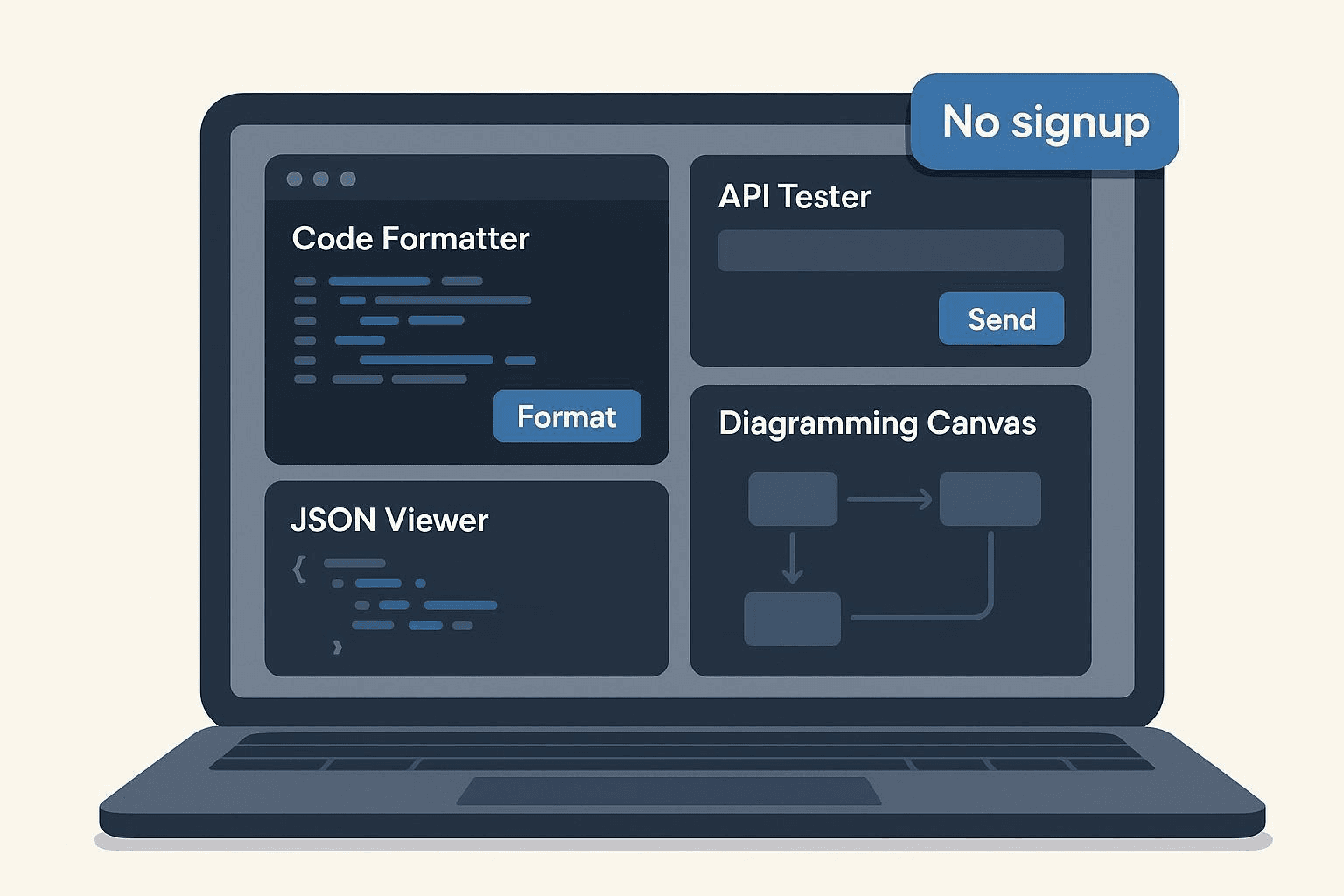
As a full-stack developer, I used to hoard hundreds of bookmarks for various developer tools. Over time, I realized I was wasting minutes just logging into services or navigating bloated UIs just to format a JSON file or test a webhook.
That frustration led me to curate this specific list: the 26 best free developer tools that require NO SIGNUP.
If you're like me, when you need a tool, you need it now. You don't want to hand over your email or start a 14-day trial. I've personally vetted each of these instant-use, browser-based utilities in my daily workflow. They reduce friction, help you finish a task in seconds, and respect your privacy.
(Side note: If you're also dealing with media files, I similarly documented my struggles and solutions in my guide on how to convert SoundCloud to MP3.)
Why I Chose These Tools (My Vetting Process)
I didn't just scrape the web for this list. Every tool below sits in my active rotation because it meets strict criteria:
- Zero-Friction Access: If I can't trigger the core action (format, run, convert) within 10 seconds of clicking the link, it didn't make the cut.
- Truly Free: Many tools claim to be free but hit you with a paywall. I’ve date-stamped my verification of their free tiers.
- Privacy-First: For tools handling sensitive code or tokens, I prioritized those that process data client-side (in your browser) so your secrets never hit a server.
Let's dive into the toolbox.
Code & Text Utilities (ranked)
1) Regex101 — Instant regex testing with explanations
My Take: Test regex against sample text with real‑time matches and flags. Explains tokens and errors; supports PCRE/ECMAScript flavors. This makes it absolutely perfect for quick regex edits and learning, though I wouldn't rely on it for heavy test suites or versioned artifacts..
The No-Signup Experience: Visit the site, paste your pattern/text, see results live. As of my latest check, free web app.
Key Pros & Cons: Deep explanations; instant feedback / Shares/saved snippets benefit from accounts.
2) CyberChef — “The Cyber Swiss Army Knife” (client‑side transforms)
My Take: Encode/decode, convert, and analyze data (Base64, JWT, hash, compression, more). Compose multi‑step “recipes” and export results. This makes it absolutely perfect for on‑the‑fly transformations, though I wouldn't rely on it for very large datasets or server‑side pipelines..
The No-Signup Experience: Open the app; drag/paste data; apply operations. As of my latest check, free.
Key Pros & Cons: Huge operation library; privacy‑friendly client‑side model / Can feel overwhelming at first.
3) ExplainShell — Shell command explainer
My Take: Parses a shell command and explains each part. Useful for understanding flags and pipelines. This makes it absolutely perfect for learning or reviewing unfamiliar cli snippets, though I wouldn't rely on it for complex, custom aliases and functions..
The No-Signup Experience: Paste a command into the homepage box. As of my latest check, free web explainer.
Key Pros & Cons: Great learning tool / Coverage depends on available man pages.
4) JSONFormatter.org — Format, validate, and view JSON
My Take: Prettify and validate JSON; tree view; minify. Copy/export results. This makes it absolutely perfect for quick json fixes, though I wouldn't rely on it for large json diffs or multi‑file comparisons..
The No-Signup Experience: Paste JSON into the editor and click Format/Validate. As of my latest check, free web tool.
Key Pros & Cons: Fast and simple / Ads can distract.
5) Ray.so — Beautiful code snapshots
My Take: Create shareable code images with themes. Quick export for docs and social posts. This makes it absolutely perfect for readable code visuals, though I wouldn't rely on it for full design suites..
The No-Signup Experience: Paste code; choose theme; export PNG/SVG. As of my latest check, free web app.
Key Pros & Cons: Clean output; fast / Limited layout controls.
6) Carbon — Code image generator
My Take: Turn code into images with numerous themes and fonts. Tweak padding, window style, and language highlighting. This makes it absolutely perfect for theming flexibility, though I wouldn't rely on it for heavy template management..
The No-Signup Experience: Visit, paste code, customize, export. As of my latest check, free web app.
Key Pros & Cons: Tons of themes; OSS / UI has many toggles to learn.
7) Prettier Playground — Online code formatter
My Take: Formats code (JS/TS/JSON/etc.) with Prettier rules. Tweak options and instantly preview output. This makes it absolutely perfect for quick style checks, though I wouldn't rely on it for project‑wide linting..
The No-Signup Experience: Paste code; choose options; view formatted result. As of my latest check, free web playground maintained by prettier (as of 2026‑03‑13): prettier playground..
Key Pros & Cons: Mirrors Prettier behavior / Limited to supported languages/options.
API & Web Testing (ranked)
1) webhook.site — Instant webhook inspection
My Take: Creates a unique URL to capture HTTP requests. View headers, body, and replay options. This makes it absolutely perfect for debugging webhooks and payloads, though I wouldn't rely on it for long‑term retention at high volume..
The No-Signup Experience: Open homepage; copy the pre‑generated URL; send a request. As of my latest check, free urls capped at a maximum of 500 requests per url (as of 2026‑03‑13), per the official news page: webhook.site news. subject to change..
Key Pros & Cons: Zero setup; great for demos / Hard caps on free URLs.
2) Hoppscotch — Fast API client in the browser
My Take: Send REST/GraphQL/socket requests. Environment variables, collections, and code snippets. This makes it absolutely perfect for quick api smoke tests, though I wouldn't rely on it for complex team collaboration without login..
The No-Signup Experience: Open app; issue a request to a public endpoint. As of my latest check, free web app with optional accounts.
Key Pros & Cons: Lightweight and fast / Advanced features shine with sign‑in.
3) HTTPie for Web — Human‑friendly API client
My Take: Compose requests with a clean, readable UI. Inspect responses and share via links when logged in. This makes it absolutely perfect for readable, ad‑light experience, though I wouldn't rely on it for heavy team collaboration without accounts..
The No-Signup Experience: Open the web app; send a test request. As of my latest check, free web access.
Key Pros & Cons: Polished UX / Some collaboration features require login.
4) JSONPlaceholder — Free fake API for testing
My Take: Public endpoints for typical REST resources (posts, users, etc.). Ideal for demos, mockups, and tutorials. This makes it absolutely perfect for prototyping, though I wouldn't rely on it for sensitive data or slas..
The No-Signup Experience: Send a GET to the base URL; browse sample resources. As of my latest check, free public service.
Key Pros & Cons: Zero setup / Shared dataset may change.
5) RandomUser.me — Random user data generator
My Take: Generate fake user profiles via API. Filter by nationality, seed, and fields. This makes it absolutely perfect for seeding test apps, though I wouldn't rely on it for real pii or production loads..
The No-Signup Experience: Call the /api endpoint; receive JSON. As of my latest check, free.
Key Pros & Cons: Handy for mock data / Shared, rate‑limited behavior may apply.
6) curlconverter — Convert curl to code
My Take: Paste curl and get code in many languages. Great for turning “Copy as curl” into scripts. This makes it absolutely perfect for quick code scaffolds, though I wouldn't rely on it for end‑to‑end api clients..
The No-Signup Experience: Open site; paste curl; copy generated code. As of my latest check, free web app.
Key Pros & Cons: Fast, multi‑language / Not a full API tester.
7) ReqBin — Online HTTP client
My Take: Send REST requests from the browser. Inspect response status, headers, and body. This makes it absolutely perfect for quick endpoint checks, though I wouldn't rely on it for high‑volume automation..
The No-Signup Experience: Use the on‑page request form and hit Send. As of my latest check, free online tester with usage limits documented on site (as of 2026‑03‑13): reqbin..
Key Pros & Cons: Simple and direct / Aggressive rate limits possible.
Docs & Conversion (ranked)
1) GeeksKai — Instant, no‑signup browser utilities (suite)
What it does:
- A growing toolkit of converters, generators, and helpers. Try our popular media converters like SoundCloud to MP3, SoundCloud to WAV, and SoundCloud Playlist Downloader. For other utilities, check out the VIN Decoder and the fun Chromakopia Name Generator.
- Designed for fast, distraction‑light finishing of common dev tasks.
How to start instantly: Open a tool page and run the core action; no account needed for core utilities.
Best for / Not for: One‑off and repeat quick tasks / Managed storage, SLAs, or enterprise governance.
Free/limits: Free to use; site emphasizes “No signup required. Always free.” (as of 2026‑03‑13). Start here: GeeksKai tools directory. Also see a representative tool with explicit wording: VIN Decoder. Subject to change.
Pros / Cons: Zero‑friction access; broad coverage / Depth varies by tool; some pages may include usage advisories.
Links: Official hub: https://geekskai.com/tools/
HTML→Markdown: https://geekskai.com/tools/html-to-markdown/
2) Mermaid Live Editor — Diagrams from text
My Take: Write Mermaid syntax and preview flowcharts, sequence diagrams, and more. Export PNG/SVG; share links. This makes it absolutely perfect for lightweight diagrams in docs, though I wouldn't rely on it for heavy enterprise diagram management..
The No-Signup Experience: Open editor; type Mermaid; see live preview. As of my latest check, free web editor.
Key Pros & Cons: Text‑to‑diagram speed / Complex layouts can be finicky.
3) TablesGenerator — Build tables and export to Markdown/LaTeX
My Take: Create and edit tables; import CSV; export to Markdown/LaTeX/HTML. Handy for docs, READMEs, and blog posts. This makes it absolutely perfect for quick table creation, though I wouldn't rely on it for database‑backed data pipelines..
The No-Signup Experience: Open the web app; paste data or start blank. As of my latest check, free online tool.
Key Pros & Cons: Fast exports / Ads and UI quirks.
4) Shields.io — Consistent status badges for your README
My Take: Generate customizable SVG badges for docs and repos. Pulls live data from many services. This makes it absolutely perfect for quick badges, though I wouldn't rely on it for complex design systems..
The No-Signup Experience: Compose a badge on the site; copy the Markdown URL. As of my latest check, free service.
Key Pros & Cons: Huge ecosystem / External service dependencies.
DevOps & Ops (ranked)
1) DNSChecker.org — Global DNS propagation and lookups
My Take: Check DNS records (A, CNAME, MX, TXT) across resolvers. Propagation checker for recent changes. This makes it absolutely perfect for quick dns spot checks, though I wouldn't rely on it for continuous monitoring with slas..
The No-Signup Experience: Enter a domain and choose a record type. As of my latest check, free web tools with optional advanced services.
Key Pros & Cons: Wide resolver coverage / Ads; advanced features may be gated.
2) crontab.guru — Cron expression editor and scheduler helper
My Take: Write and validate cron expressions with human‑readable translations. Handy presets and examples. This makes it absolutely perfect for learning and verifying cron, though I wouldn't rely on it for managed schedulers or audits..
The No-Signup Experience: Type a cron expression on the homepage. As of my latest check, free website.
Key Pros & Cons: Clear translations / Very focused scope.
3) SSL Server Test (Qualys SSL Labs) — Public TLS configuration scan
My Take: Scans a public host’s TLS config and grades it. Lists ciphers, protocols, and vulnerabilities. This makes it absolutely perfect for one‑off tls hygiene checks, though I wouldn't rely on it for internal services..
The No-Signup Experience: Enter a hostname; start the scan. As of my latest check, free public scanner (as of 2026‑03‑13): ssl server test..
Key Pros & Cons: Authoritative report / Scans take time; rate limits apply.
🔗 Visit
4) StackBlitz — Browser‑based dev environment (web containers)
My Take: Launch runnable JS/TS frameworks in the browser. Fork templates; preview instantly. This makes it absolutely perfect for demos and repros, though I wouldn't rely on it for long‑running, back‑end‑heavy apps..
The No-Signup Experience: Open a starter; the preview runs without login; saving requires sign‑in. As of my latest check, instant preview free.
Key Pros & Cons: Ultra‑fast starts / Persistence and collaboration need accounts.
Testing & QA (ranked)
1) JWT.io — Decode and verify JSON Web Tokens (client‑side)
My Take: Inspect JWT headers/payloads; verify signatures with provided keys. Educational resources and libraries list. This makes it absolutely perfect for local inspection, though I wouldn't rely on it for sharing production tokens..
The No-Signup Experience: Paste a token and (optionally) a key. As of my latest check, free web tool.
Key Pros & Cons: Privacy‑friendly local decode / Handle secrets carefully.
2) Browserling — Cross‑browser testing (instant demo)
My Take: Launch real browsers/OSes for quick checks. Handy when you need a version you don’t have locally. This makes it absolutely perfect for spot checks and screenshots, though I wouldn't rely on it for long sessions with uploads on free tier..
The No-Signup Experience: Use the free demo to open a target URL. As of my latest check, free demo sessions ~3 minutes per run (as of 2026‑03‑13): see official pages such as safari testing. subject to change..
Key Pros & Cons: True browsers on demand / Strict time limits.
3) JSONLint — Validate and format JSON
My Take: Checks JSON syntax; formats for readability. Quick copy/paste tool. This makes it absolutely perfect for syntax checks, though I wouldn't rely on it for deep schema validation..
The No-Signup Experience: Paste JSON; click Validate JSON. As of my latest check, free online tool.
Key Pros & Cons: Straightforward / Ads; narrow scope.
AI‑Assisted Helpers (ranked)
1) quicktype — JSON to types and converters
My Take: Generate types and converters from sample JSON for many languages. Great for strongly‑typed models. This makes it absolutely perfect for typed model scaffolding, though I wouldn't rely on it for complex business logic..
The No-Signup Experience: Paste JSON; choose language; copy generated code. As of my latest check, free web app.
Key Pros & Cons: Saves time; multi‑language / May require tweaks for edge cases.
Mid‑list quick tip: Want a single place to grab instant‑use converters and test‑data helpers? Browse the GeeksKai tools directory for no‑signup utilities you can run in a few clicks.
Final Thoughts
If you want a single place to browse quick, no-signup utilities for repeat jobs, start with the GeeksKai tools directory. By relying on these 26 tools, you keep your browser fast, your inbox spam-free, and your mind focused on the actual code.
FAQ
What qualifies as a no‑signup tool here?
- The core action (format, convert, send, run, preview) works on a fresh session with no account required. Saving, sharing, or collaboration may still require login.
Are these really free forever?
- They’re free to start as of 2026‑03‑13. Many have generous free tiers or no pricing at all. Always review the linked official pages—limits and terms change.
What are the privacy considerations for browser‑based tools?
- Prefer client‑side tools for sensitive inputs (e.g., CyberChef, JWT.io indicates client‑side operation). Avoid pasting secrets/production tokens into any web tool unless its privacy model is documented and you’re comfortable with the risk.
Can I use these in enterprise settings?
- Many teams use them for spot checks and prototyping. For production workflows, confirm privacy, SLAs, rate limits, and compliance requirements. Several items offer paid tiers for governance.
How often is this list updated?
- We last verified links and limits on 2026‑03‑13. Plan to re‑validate quarterly or when a major tool changes pricing/policies.
Evidence & sources (selected)
- webhook.site request cap (official news/changelog, 2026‑03‑13 check): Webhook.site News
- Browserling free demo time (official product pages, 2026‑03‑13 check): Safari testing page
- JWT.io client‑side statement (official site, 2026‑03‑13 check): JWT.io
- CyberChef client‑side application (official project page, 2026‑03‑13 check): CyberChef
- GeeksKai no‑signup wording and free access (official site, 2026‑03‑13 check): GeeksKai tools directory and a representative page: VIN Decoder
Closing next steps
Pick a task you do weekly—format JSON, sketch a diagram, smoke‑test an API—and bookmark two instant‑use options from this list. If you want a single place to browse quick, no‑signup utilities for repeat jobs, start with the GeeksKai tools directory. That way, the next time you need a formatter or generator, you can finish in seconds.