
|8.135Mins Read
How to Convert SoundCloud to MP3 for Free: The Ultimate Guide (2026)
- Authors

- Name
- Geeks Kai
- @KaiGeeks
Quick Answer: You can convert or download SoundCloud audio only when you have permission, such as an uploader-enabled download or access to your own uploaded file. SoundCloud Go/Go+ supports offline listening inside the app, but it does not export a standalone MP3.
Best for: Listeners downloading permitted tracks, creators downloading their own uploads, users who want offline playback without breaking platform rules
Cost: Official downloads may be free; Go/Go+ requires a subscription for app-based offline playback
Key benefit: You can save audio safely without using stream-ripping tools or violating SoundCloud permissions
If you searched for “soundcloud to mp3,” you likely want a simple, safe way to keep a track for offline listening. The safest answer is straightforward: use official download options when the uploader allows them, download your own uploaded files as a creator, or use SoundCloud Go/Go+ for offline listening inside the app. This guide explains what each path allows, what it does not allow, and how to avoid copyright or policy problems.
Short answer: yes, when you have permission; no, when a tool bypasses permissions or rips streams.
Not allowed: Using third‑party “downloaders” to rip streams or bypass permissions. SoundCloud’s developer API Terms of Use prohibit apps that enable stream ripping or unpermitted offline downloads. Stick to official features and explicit permissions.
Tip, with permission: If the uploader allows downloads (or you are the rights holder), you may use tools like GeeksKai to simplify getting the available file—no signup and free—while respecting the uploader’s settings.
If you want the shortest answer, these are the three compliant paths:
If you need an actual MP3 or original audio file on your computer, only the first two paths can provide that. Go/Go+ is offline playback, not file export.
Sign in to your SoundCloud account (some enabled downloads may require it, as implied in related Help Center guidance). Use a modern web browser and a stable connection. The Download button typically appears below the waveform on the track page; sometimes it’s inside the three-dots More menu.
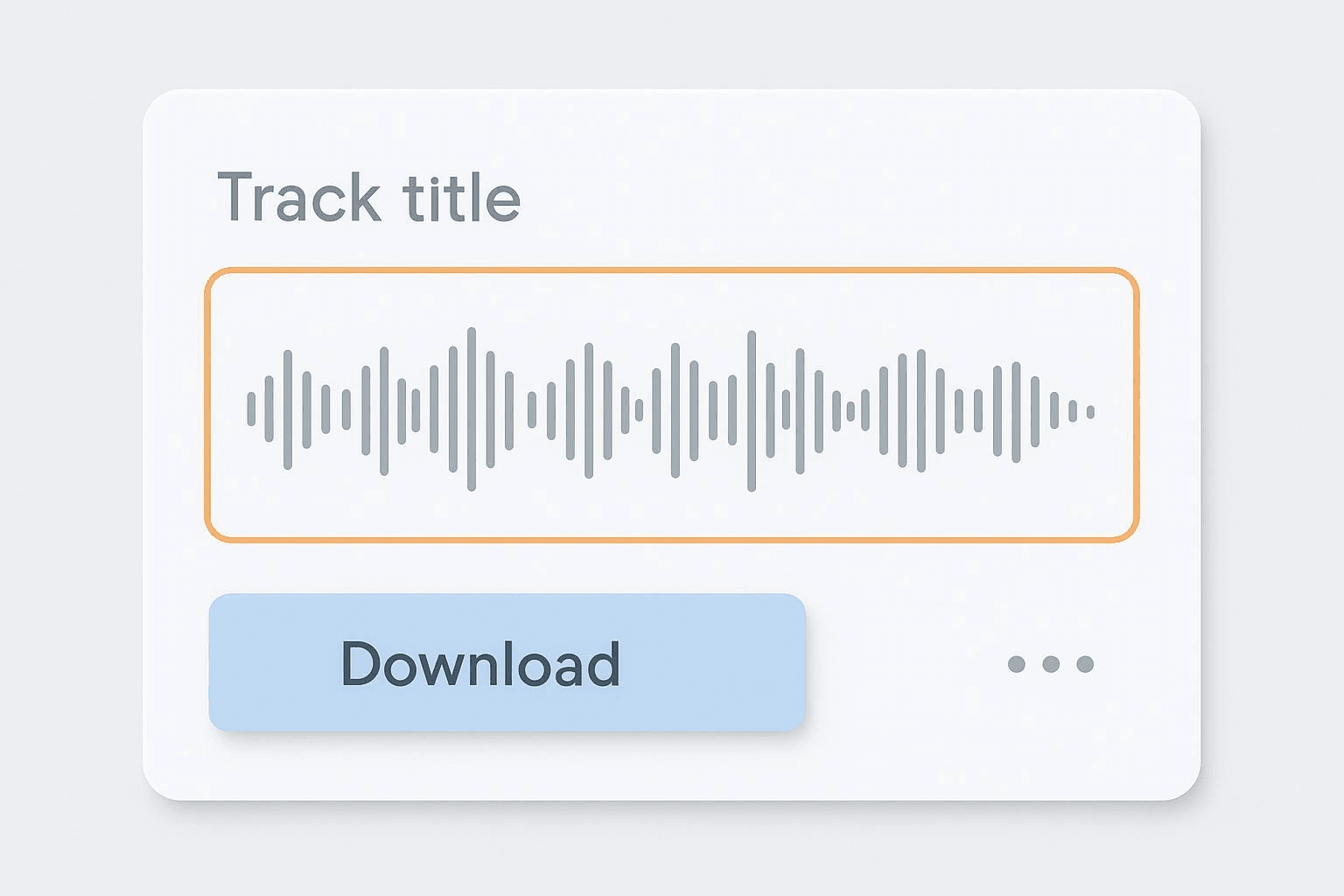
If you uploaded the track, you can download your original files directly from the track’s edit page.
This path is useful when a Download button isn’t available, but you still want offline listening within the SoundCloud app. It won’t produce an exportable MP3.
There’s no official “download entire playlist as MP3” export for listeners. Availability depends on each track’s permissions, and creators can toggle downloads in playlist permissions as described in Managing permissions when uploading a playlist. Inside the app, Go/Go+ supports saving playlists for offline playback, but that’s still app‑bound, not MP3 export.
When a listener download is enabled, the file is the original uploaded by the creator (format/bitrate vary). See Insights basics. Go/Go+ can use high‑quality streaming for offline playback inside the app; see High Quality streaming.
If you care about tags, check Properties/Get Info after download. Fields like Title, Artist, and Artwork depend on what the uploader provided. If you’re the creator, tidy your tags before uploading so fans who legally download see accurate metadata.
When downloads are enabled, SoundCloud says listeners receive the original uploaded file. That means the result may be MP3, WAV, or another supported format depending on what the creator uploaded.
Use SoundCloud Go/Go+. It is the official option when you want tracks available without a network connection but do not need a downloadable MP3 file on your device.
Avoid shady downloaders or browser extensions that request broad permissions. Stick to official features or your own content.
Use SoundCloud responsibly, respect artists’ rights, and rely on permitted paths. When you do have permission, getting a clean “soundcloud to mp3” result is straightforward—and when you don’t, Go/Go+ keeps you listening offline inside the app without bending the rules.