
|20.2Mins Read
26 Best Free Developer Tools to Boost Productivity (2026)
- Authors

- Name
- Geeks Kai
- @KaiGeeks
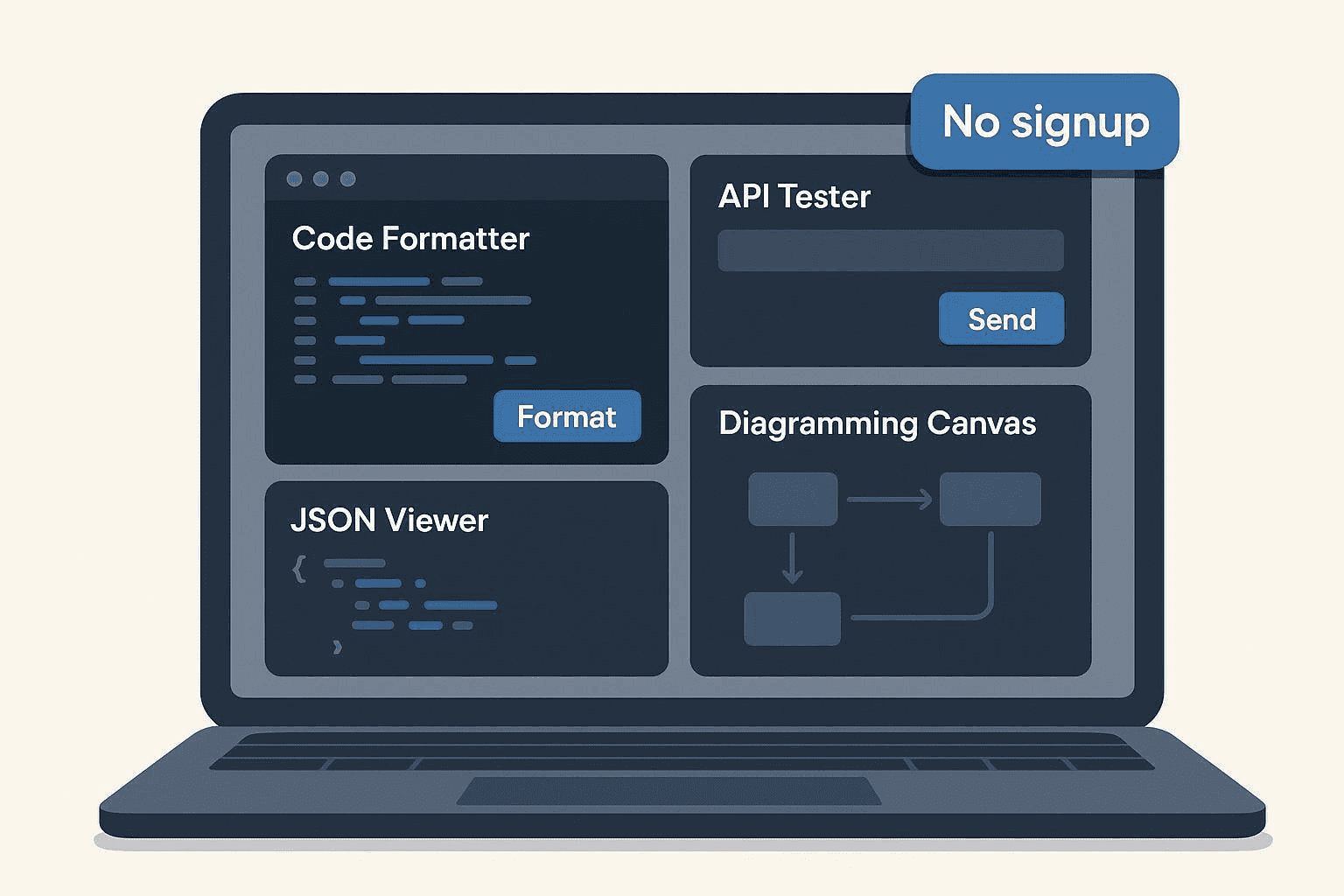
The best free developer tools with no signup are browser-based utilities like Regex101, CyberChef, webhook.site, Hoppscotch, Mermaid Live Editor, crontab.guru, JWT.io, and quicktype because they let you complete a real developer task in seconds without creating an account.
Quick Answer: This list covers 26 free developer tools you can use instantly for code formatting, API testing, docs, DevOps checks, QA, and type generation.
Best for: Developers who want fast, no-signup browser tools for one-off tasks and daily workflow shortcuts.
Cost: Free to start as of 2026-03-14; some tools have optional paid plans or usage limits.
Key benefit: You can format, test, inspect, convert, preview, and debug without email gates or trial friction.
At a glance:
As a full-stack developer, I used to hoard hundreds of bookmarks for various developer tools. Over time, I realized I was wasting minutes just logging into services or navigating bloated UIs just to format JSON or inspect a webhook payload.
That frustration led me to curate this specific list: the 26 best free developer tools that require no signup for the core task.
If you're like me, when you need a tool, you need it now. You don't want to hand over your email or start a 14-day trial. I've personally vetted each of these instant-use, browser-based utilities in my daily workflow. They reduce friction, help you finish a task in seconds, and often offer a more privacy-friendly path than account-based SaaS tools.
(Side note: If you're also dealing with media files, I similarly documented my struggles and solutions in my guide on how to convert SoundCloud to MP3.)
If you only need a fast recommendation, start here:
If you want to stay inside one lightweight tool suite, start with these task-specific Geekskai pages:
Treat generated values as test data, not secrets or production identifiers. Do not paste credentials, access tokens, private customer data, or unreleased source material into a web utility unless you have verified its processing and privacy model for that specific page.
I didn't just scrape the web for this list. Every tool below sits in my active rotation because it meets strict criteria:
Use this table to find the right tool fast.
| Tool | Category | Best for | No signup for core action | Free status |
|---|---|---|---|---|
| Regex101 | Code & Text Utilities | Regex testing and explanations | Yes | Free web app |
| CyberChef | Code & Text Utilities | Encoding, decoding, and data transforms | Yes | Free |
| ExplainShell | Code & Text Utilities | Explaining shell commands and flags | Yes | Free |
| JSONFormatter.org | Code & Text Utilities | Formatting and validating JSON | Yes | Free |
| Ray.so | Code & Text Utilities | Creating code screenshots | Yes | Free |
| Carbon | Code & Text Utilities | Generating themed code images | Yes | Free |
| Prettier Playground | Code & Text Utilities | Formatting JS, TS, JSON, and more | Yes | Free |
| webhook.site | API & Web Testing | Capturing and replaying webhook requests | Yes | Free with request caps |
| Hoppscotch | API & Web Testing | Fast browser-based API requests | Yes | Free with optional accounts |
| HTTPie for Web | API & Web Testing | Human-friendly API testing | Yes | Free web access |
| JSONPlaceholder | API & Web Testing | Fake REST API data for demos and tests | Yes | Free public service |
| RandomUser.me | API & Web Testing | Random user data generation | Yes | Free |
| curlconverter | API & Web Testing | Converting curl commands to code | Yes | Free |
| ReqBin | API & Web Testing | Simple HTTP request testing | Yes | Free with usage limits |
| GeeksKai | Docs & Conversion | Instant-use converters and helpers | Yes | Free to use |
| Mermaid Live Editor | Docs & Conversion | Text-based diagrams and exports | Yes | Free |
| TablesGenerator | Docs & Conversion | Markdown, HTML, and LaTeX tables | Yes | Free |
| Shields.io | Docs & Conversion | README and status badges | Yes | Free |
| DNSChecker.org | DevOps & Ops | DNS propagation and record checks | Yes | Free with optional advanced services |
| crontab.guru | DevOps & Ops | Cron expression editing and translation | Yes | Free |
| SSL Server Test | DevOps & Ops | Public TLS and certificate scans | Yes | Free public scanner |
| StackBlitz | DevOps & Ops | Browser-based JS and TS repros | Yes | Free instant preview |
| JWT.io | Testing & QA | JWT decoding and verification | Yes | Free |
| Browserling | Testing & QA | Quick cross-browser spot checks | Yes | Free demo with time limits |
| JSONLint | Testing & QA | JSON syntax validation | Yes | Free |
| quicktype | AI-Assisted Helpers | Generating types from JSON | Yes | Free |
Choose based on the task, not the category page:
Let's dive into the toolbox.
My Take: Test regex against sample text with real‑time matches and flags. Explains tokens and errors; supports PCRE/ECMAScript flavors. This makes it absolutely perfect for quick regex edits and learning, though I wouldn't rely on it for heavy test suites or versioned artifacts..
The No-Signup Experience: Visit the site, paste your pattern/text, see results live. As of my latest check, free web app.
Key Pros & Cons: Deep explanations; instant feedback / Shares/saved snippets benefit from accounts.
My Take: Encode/decode, convert, and analyze data (Base64, JWT, hash, compression, more). Compose multi‑step “recipes” and export results. This makes it absolutely perfect for on‑the‑fly transformations, though I wouldn't rely on it for very large datasets or server‑side pipelines..
The No-Signup Experience: Open the app; drag/paste data; apply operations. As of my latest check, free.
Key Pros & Cons: Huge operation library; privacy‑friendly client‑side model / Can feel overwhelming at first.
My Take: Parses a shell command and explains each part. Useful for understanding flags and pipelines. This makes it absolutely perfect for learning or reviewing unfamiliar cli snippets, though I wouldn't rely on it for complex, custom aliases and functions..
The No-Signup Experience: Paste a command into the homepage box. As of my latest check, free web explainer.
Key Pros & Cons: Great learning tool / Coverage depends on available man pages.
My Take: Prettify and validate JSON; tree view; minify. Copy/export results. This makes it absolutely perfect for quick json fixes, though I wouldn't rely on it for large json diffs or multi‑file comparisons..
The No-Signup Experience: Paste JSON into the editor and click Format/Validate. As of my latest check, free web tool.
Key Pros & Cons: Fast and simple / Ads can distract.
My Take: Create shareable code images with themes. Quick export for docs and social posts. This makes it absolutely perfect for readable code visuals, though I wouldn't rely on it for full design suites..
The No-Signup Experience: Paste code; choose theme; export PNG/SVG. As of my latest check, free web app.
Key Pros & Cons: Clean output; fast / Limited layout controls.
My Take: Turn code into images with numerous themes and fonts. Tweak padding, window style, and language highlighting. This makes it absolutely perfect for theming flexibility, though I wouldn't rely on it for heavy template management..
The No-Signup Experience: Visit, paste code, customize, export. As of my latest check, free web app.
Key Pros & Cons: Tons of themes; OSS / UI has many toggles to learn.
My Take: Formats code (JS/TS/JSON/etc.) with Prettier rules. Tweak options and instantly preview output. This makes it absolutely perfect for quick style checks, though I wouldn't rely on it for project‑wide linting..
The No-Signup Experience: Paste code; choose options; view formatted result. As of my latest check, free web playground maintained by prettier (as of 2026‑03‑13): prettier playground..
Key Pros & Cons: Mirrors Prettier behavior / Limited to supported languages/options.
My Take: Creates a unique URL to capture HTTP requests. View headers, body, and replay options. This makes it absolutely perfect for debugging webhooks and payloads, though I wouldn't rely on it for long‑term retention at high volume..
The No-Signup Experience: Open homepage; copy the pre‑generated URL; send a request. As of my latest check, free urls capped at a maximum of 500 requests per url (as of 2026‑03‑13), per the official news page: webhook.site news. subject to change..
Key Pros & Cons: Zero setup; great for demos / Hard caps on free URLs.
My Take: Send REST/GraphQL/socket requests. Environment variables, collections, and code snippets. This makes it absolutely perfect for quick api smoke tests, though I wouldn't rely on it for complex team collaboration without login..
The No-Signup Experience: Open app; issue a request to a public endpoint. As of my latest check, free web app with optional accounts.
Key Pros & Cons: Lightweight and fast / Advanced features shine with sign‑in.
My Take: Compose requests with a clean, readable UI. Inspect responses and share via links when logged in. This makes it absolutely perfect for readable, ad‑light experience, though I wouldn't rely on it for heavy team collaboration without accounts..
The No-Signup Experience: Open the web app; send a test request. As of my latest check, free web access.
Key Pros & Cons: Polished UX / Some collaboration features require login.
My Take: Public endpoints for typical REST resources (posts, users, etc.). Ideal for demos, mockups, and tutorials. This makes it absolutely perfect for prototyping, though I wouldn't rely on it for sensitive data or slas..
The No-Signup Experience: Send a GET to the base URL; browse sample resources. As of my latest check, free public service.
Key Pros & Cons: Zero setup / Shared dataset may change.
My Take: Generate fake user profiles via API. Filter by nationality, seed, and fields. This makes it absolutely perfect for seeding test apps, though I wouldn't rely on it for real pii or production loads..
The No-Signup Experience: Call the /api endpoint; receive JSON. As of my latest check, free.
Key Pros & Cons: Handy for mock data / Shared, rate‑limited behavior may apply.
My Take: Paste curl and get code in many languages. Great for turning “Copy as curl” into scripts. This makes it absolutely perfect for quick code scaffolds, though I wouldn't rely on it for end‑to‑end api clients..
The No-Signup Experience: Open site; paste curl; copy generated code. As of my latest check, free web app.
Key Pros & Cons: Fast, multi‑language / Not a full API tester.
My Take: Send REST requests from the browser. Inspect response status, headers, and body. This makes it absolutely perfect for quick endpoint checks, though I wouldn't rely on it for high‑volume automation..
The No-Signup Experience: Use the on‑page request form and hit Send. As of my latest check, free online tester with usage limits documented on site (as of 2026‑03‑13): reqbin..
Key Pros & Cons: Simple and direct / Aggressive rate limits possible.
What it does:
How to start instantly: Open a tool page and run the core action; no account needed for core utilities.
Best for / Not for: One‑off and repeat quick tasks / Managed storage, SLAs, or enterprise governance.
Free/limits: Free to use; site emphasizes “No signup required. Always free.” (as of 2026‑03‑13). Start here: GeeksKai tools directory. Also see a representative tool with explicit wording: VIN Decoder. Subject to change.
Pros / Cons: Zero‑friction access; broad coverage / Depth varies by tool; some pages may include usage advisories.
Links: Official hub: https://geekskai.com/tools/
HTML→Markdown: https://geekskai.com/tools/html-to-markdown/
My Take: Write Mermaid syntax and preview flowcharts, sequence diagrams, and more. Export PNG/SVG; share links. This makes it absolutely perfect for lightweight diagrams in docs, though I wouldn't rely on it for heavy enterprise diagram management..
The No-Signup Experience: Open editor; type Mermaid; see live preview. As of my latest check, free web editor.
Key Pros & Cons: Text‑to‑diagram speed / Complex layouts can be finicky.
My Take: Create and edit tables; import CSV; export to Markdown/LaTeX/HTML. Handy for docs, READMEs, and blog posts. This makes it absolutely perfect for quick table creation, though I wouldn't rely on it for database‑backed data pipelines..
The No-Signup Experience: Open the web app; paste data or start blank. As of my latest check, free online tool.
Key Pros & Cons: Fast exports / Ads and UI quirks.
My Take: Generate customizable SVG badges for docs and repos. Pulls live data from many services. This makes it absolutely perfect for quick badges, though I wouldn't rely on it for complex design systems..
The No-Signup Experience: Compose a badge on the site; copy the Markdown URL. As of my latest check, free service.
Key Pros & Cons: Huge ecosystem / External service dependencies.
My Take: Check DNS records (A, CNAME, MX, TXT) across resolvers. Propagation checker for recent changes. This makes it absolutely perfect for quick dns spot checks, though I wouldn't rely on it for continuous monitoring with slas..
The No-Signup Experience: Enter a domain and choose a record type. As of my latest check, free web tools with optional advanced services.
Key Pros & Cons: Wide resolver coverage / Ads; advanced features may be gated.
My Take: Write and validate cron expressions with human‑readable translations. Handy presets and examples. This makes it absolutely perfect for learning and verifying cron, though I wouldn't rely on it for managed schedulers or audits..
The No-Signup Experience: Type a cron expression on the homepage. As of my latest check, free website.
Key Pros & Cons: Clear translations / Very focused scope.
My Take: Scans a public host’s TLS config and grades it. Lists ciphers, protocols, and vulnerabilities. This makes it absolutely perfect for one‑off tls hygiene checks, though I wouldn't rely on it for internal services..
The No-Signup Experience: Enter a hostname; start the scan. As of my latest check, free public scanner (as of 2026‑03‑13): ssl server test..
Key Pros & Cons: Authoritative report / Scans take time; rate limits apply.
🔗 Visit
My Take: Launch runnable JS/TS frameworks in the browser. Fork templates; preview instantly. This makes it absolutely perfect for demos and repros, though I wouldn't rely on it for long‑running, back‑end‑heavy apps..
The No-Signup Experience: Open a starter; the preview runs without login; saving requires sign‑in. As of my latest check, instant preview free.
Key Pros & Cons: Ultra‑fast starts / Persistence and collaboration need accounts.
My Take: Inspect JWT headers/payloads; verify signatures with provided keys. Educational resources and libraries list. This makes it absolutely perfect for local inspection, though I wouldn't rely on it for sharing production tokens..
The No-Signup Experience: Paste a token and (optionally) a key. As of my latest check, free web tool.
Key Pros & Cons: Privacy‑friendly local decode / Handle secrets carefully.
My Take: Launch real browsers/OSes for quick checks. Handy when you need a version you don’t have locally. This makes it absolutely perfect for spot checks and screenshots, though I wouldn't rely on it for long sessions with uploads on free tier..
The No-Signup Experience: Use the free demo to open a target URL. As of my latest check, free demo sessions ~3 minutes per run (as of 2026‑03‑13): see official pages such as safari testing. subject to change..
Key Pros & Cons: True browsers on demand / Strict time limits.
My Take: Checks JSON syntax; formats for readability. Quick copy/paste tool. This makes it absolutely perfect for syntax checks, though I wouldn't rely on it for deep schema validation..
The No-Signup Experience: Paste JSON; click Validate JSON. As of my latest check, free online tool.
Key Pros & Cons: Straightforward / Ads; narrow scope.
My Take: Generate types and converters from sample JSON for many languages. Great for strongly‑typed models. This makes it absolutely perfect for typed model scaffolding, though I wouldn't rely on it for complex business logic..
The No-Signup Experience: Paste JSON; choose language; copy generated code. As of my latest check, free web app.
Key Pros & Cons: Saves time; multi‑language / May require tweaks for edge cases.
Mid‑list quick tip: Want a single place to grab instant‑use converters and test‑data helpers? Browse the GeeksKai tools directory for no‑signup utilities you can run in a few clicks.
If you want a single place to browse quick, no-signup utilities for repeat jobs, start with the GeeksKai tools directory. By relying on these 26 tools, you keep your browser fast, your inbox spam-free, and your mind focused on the actual code.
What qualifies as a no‑signup tool here?
Are these really free forever?
What are the privacy considerations for browser‑based tools?
Can I use these in enterprise settings?
How often is this list updated?
Pick a task you do weekly—format JSON, sketch a diagram, smoke‑test an API—and bookmark two instant‑use options from this list. If you want a single place to browse quick, no‑signup utilities for repeat jobs, start with the GeeksKai tools directory. That way, the next time you need a formatter or generator, you can finish in seconds.