
طباعة الصفحة الاختبارية على الإنترنت - أداة مجانية لطباعة الصفحة الاختبارية
طباعة مجانية صفحات الاختبار بشكل فوري. اختبر جودة الطابعة, المحاذاة, ومستويات الحبر. فوري الطباعة, لا يتطلب تسجيل.
اختر نوع الصفحة الاختبارية الخاص بك
اختر نوع الصفحة الاختبارية التي تريد (اللون, الأسود والأبيض, أو CMYK), وسيتم فتح مربع طباعة المتصفح الخاص بك تلقائياً. حدد الطابعة الخاص بك واضغط على الطباعة.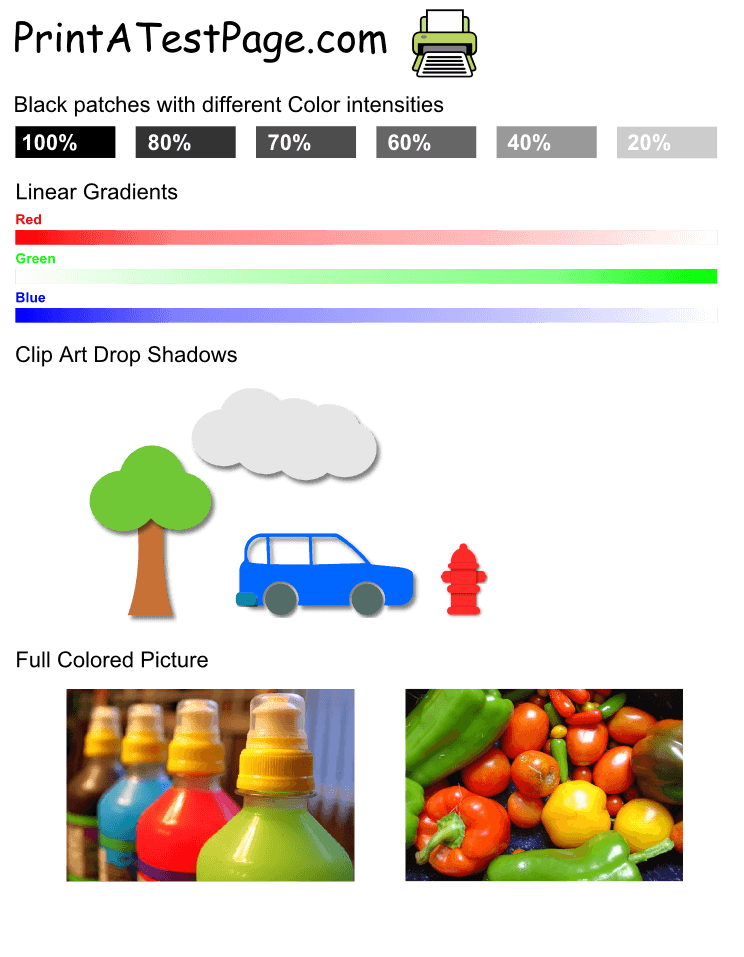
صفحة اختبار اللون
اختبر جودة الطباعة اللونية العامة
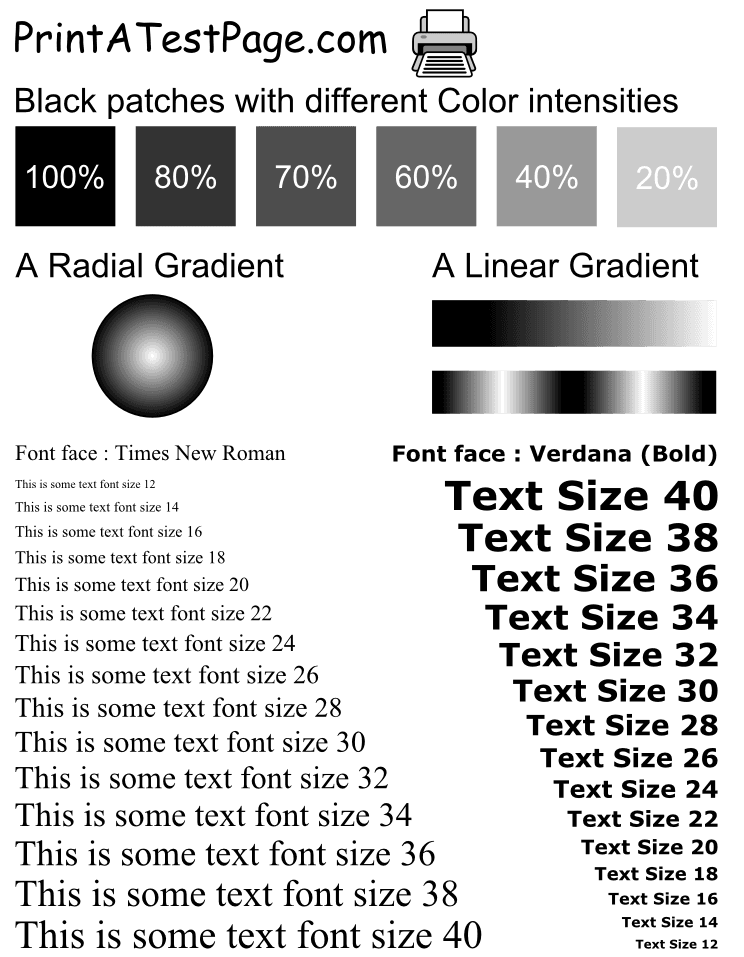
صفحة اختبار الأسود والأبيض
اختبر جودة الطباعة الأسود والأبيض العامة
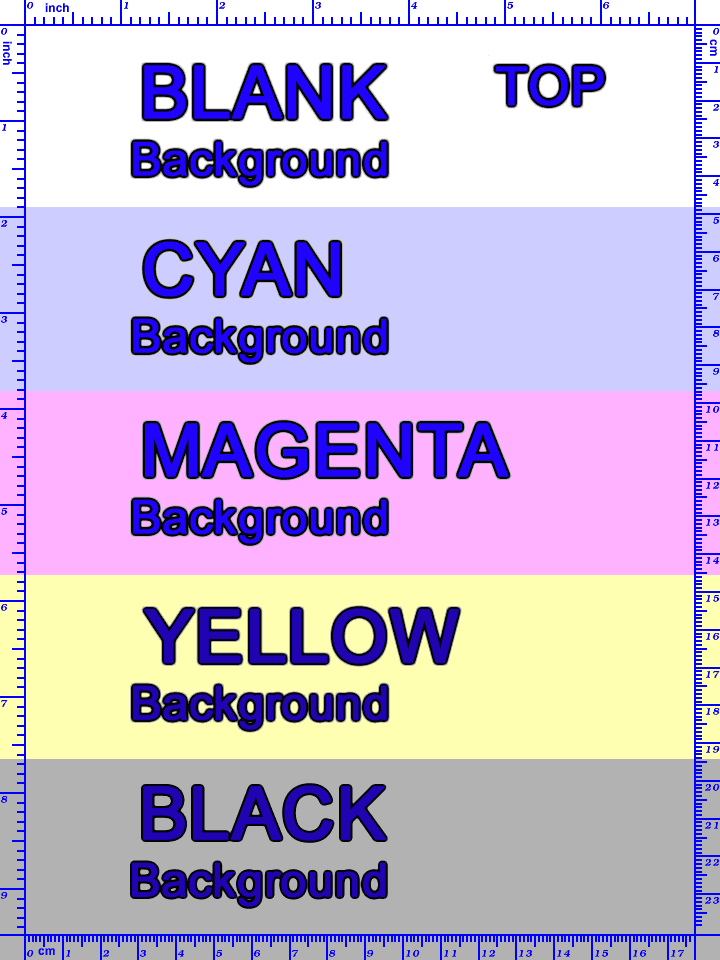
صفحة اختبار CMYK
اختبر جودة الطباعة الأسود والأبيض العامة
ℹ️كيفية الاستخدام
اضغط على أي زر صفحة اختبار أعلاه. سيتم فتح مربع طباعة المتصفح الخاص بك تلقائياً. حدد الطابعة الخاص بك واضغط على الطباعة. سيساعدك الصفحة الاختبارية على التحقق من جودة الطابعة, الدقة اللونية, المحاذاة, ومستويات الحبر.
ما هي أداة اختبار الصفحة الاختبارية؟
أداة اختبار الصفحة الاختبارية هي أداة مجانية على الإنترنت لطباعة الصفحة الاختبارية لاختبار الطابعة. يدعم الصفحة الاختبارية الرمادية, الأسود والأزرق. الطباعة الفورية, لا يتطلب تسجيل.
أداة اختبار الصفحة الاختبارية هي أداة مجانية على الإنترنت لطباعة الصفحة الاختبارية لاختبار الطابعة. يدعم الصفحة الاختبارية الرمادية, الأسود والأزرق. الطباعة الفورية, لا يتطلب تسجيل.
✨فوائد مهمة
- إنشاء صفحة اختبار فوري
- أنواع متعددة من صفحات الاختبار
- يعمل مع جميع علامات الطابعات
- لا يتطلب تثبيت البرمجيات
الحقائق الأساسية
- الأسعار
- 100% مجاني
- أنواع الاختبار
- 3 أنواع متاحة
- السرعة
- طباعة فورية
- المستخدمين
- Used by المستخدمين المنزليين, الموظفين المكتبيين, الطلاب, and المهنيين worldwide
الميزات الأساسية
كل ما تحتاجه لاختبار وتشخيص الطابعة
صفحة اختبار اللون
اختبر جودة الطباعة اللونية العامة. مثالي للتحقق من دقة اللون والتحديد مشاكل اللون المتعلقة به.
صفحة اختبار الأسود والأبيض
اختبر جودة الطباعة الأسود والأبيض العامة. مثالي للتحقق من جودة الطباعة الأسود والأبيض العامة.
صفحة اختبار CMYK
اختبر جودة الطباعة الأسود والأبيض العامة. مثالي للتحقق من جودة الطباعة الأسود والأبيض العامة.
طباعة فورية
إنشاء وطباعة صفحات الاختبار فورياً. لا يوجد انتظار, لا يوجد تأخير. اضغط وطبع في ثوانٍ.
التوافق العالمي
يعمل مع جميع علامات الطابعات (HP, Canon, Epson, Brother, etc.) وجميع نظم التشغيل (Windows, macOS, Linux).
100% مجاني
مجاني تماماً. لا يتطلب تسجيل, لا يتطلب دفع, لا يوجد رسوم مخفية. طباعة منتهية الحدود.
كيفية طباعة الصفحة الاختبارية
اتبع هذه الخطوات البسيطة لطباعة الصفحة الاختبارية وتشخيص الطابعة
اختر نوع صفحة الاختبار
اختر صفحة الاختبار اللونية, الأسود والأبيض, أو CMYK بناءً على ما تريد اختباره
اضغط على زر الطباعة
اضغط على زر الطباعة لنوع صفحة الاختبار الذي اخترته. سيتم فتح مربع طباعة المتصفح الخاص بك تلقائياً
اختر الطابعة الخاص بك
في مربع طباعة المتصفح, اختر الطابعة الخاص بك من القائمة واضبط أي إعدادات الطباعة التي تحتاجها
طباعة ومراجعة
اضغط على زر الطباعة وانتظار طباعة الصفحة الاختبارية. مراجعة الناتج للتحقق من جودة الطباعة, المحاذاة, ودقة اللون
من يستخدم صفحات الاختبار؟
صفحات الاختبار مفيدة للعديد من المستخدمين والمواقف
المستخدمين المنزليين
اختبر الطابعات الجديدة, تحقق مستويات الحبر, التحقق من جودة الطباعة قبل طباعة المستندات المهمة مثل الصور أو المشاريع التعليمية.
الموظفين المكتبيين
تشخيص مشاكل الطابعة, التحقق من دقة اللون للعروض التقديمية, التحقق من المحاذاة للمستندات المهنية.
الطلاب والمعلمين
اختبر الطابعات قبل طباعة المهام, التحقق من جودة الطباعة للمواد التعليمية, التحقق من وظيفة الطابعة في المختبرات الحاسوبية.
دعم IT والمهنيين
تشخيص مشاكل الطابعة, اختبر وظيفة الطابعة بعد الإصلاحات, التحقق من إعداد وتكوين الطابعة.
أسئلة وأجوبة شائعة
ما هي صفحة اختبار الطابعة؟
صفحة اختبار الطابعة عبارة عن مستند اختباري يستخدم لاختبار جودة الطابعة, الدقة اللونية, المحاذاة, ومستويات الحبر. يساعد في تحديد المشاكل مثل الألوان المفقودة, المحاذاة غير الصحيحة, أو الطابعات المغلقة.
كيف يمكنني طباعة صفحة اختبار؟
ببساطة اضغط على نوع الصفحة الاختبارية التي تريد (اللون, الأسود والأبيض, أو CMYK), وسيتم فتح مربع طباعة المتصفح الخاص بك تلقائياً. حدد الطابعة الخاص بك واضغط على الطباعة.
هل هذه الأداة مجانية للاستخدام؟
نعم, أداة محول الصفحة الاختبارية هي 100% مجانية. لا يتطلب تسجيل, لا يتطلب دفع, واستخدام مجاني غير محدود. يمكنك طباعة كمية الصفحات الاختبارية التي تحتاجها.
ما هو الفرق بين صفحات الاختبار اللونية وصفحات الاختبار الأسود والأبيض؟
صفحات الاختبار اللونية هي صفحات الاختبار اللونية التي تتحقق من جودة الطباعة اللونية العامة. صفحات الاختبار الأسود والأبيض هي صفحات الاختبار الأسود والأبيض التي تتحقق من جودة الطباعة الأسود والأبيض العامة.
هل يمكنني استخدام هذه الأداة في أي طابعة؟
نعم, صفحات الاختبار الخاصة بنا تعمل مع أي طابعة (HP, Canon, Epson, Brother, etc.) وأي نظام تشغيل (Windows, macOS, Linux). صفحات الاختبار هي صفحات اختبارية قياسية A4/Letter ومتوافقة مع جميع الطابعات.
لماذا يجب علي طباعة صفحة اختبار؟
طباعة صفحة اختبار تساعدك على التحقق من وظيفة الطابعة, التحقق من مستويات الحبر, التحقق من المحاذاة, التحقق من دقة اللون, والتشخيص من المشاكل قبل طباعة المستندات المهمة.